How Deel's free tools generate leads without a form
Deel publishes nine free calculators and gates none of them. Here is how the ungated tool earns the demo, and how to build one without a nine-tool budget.

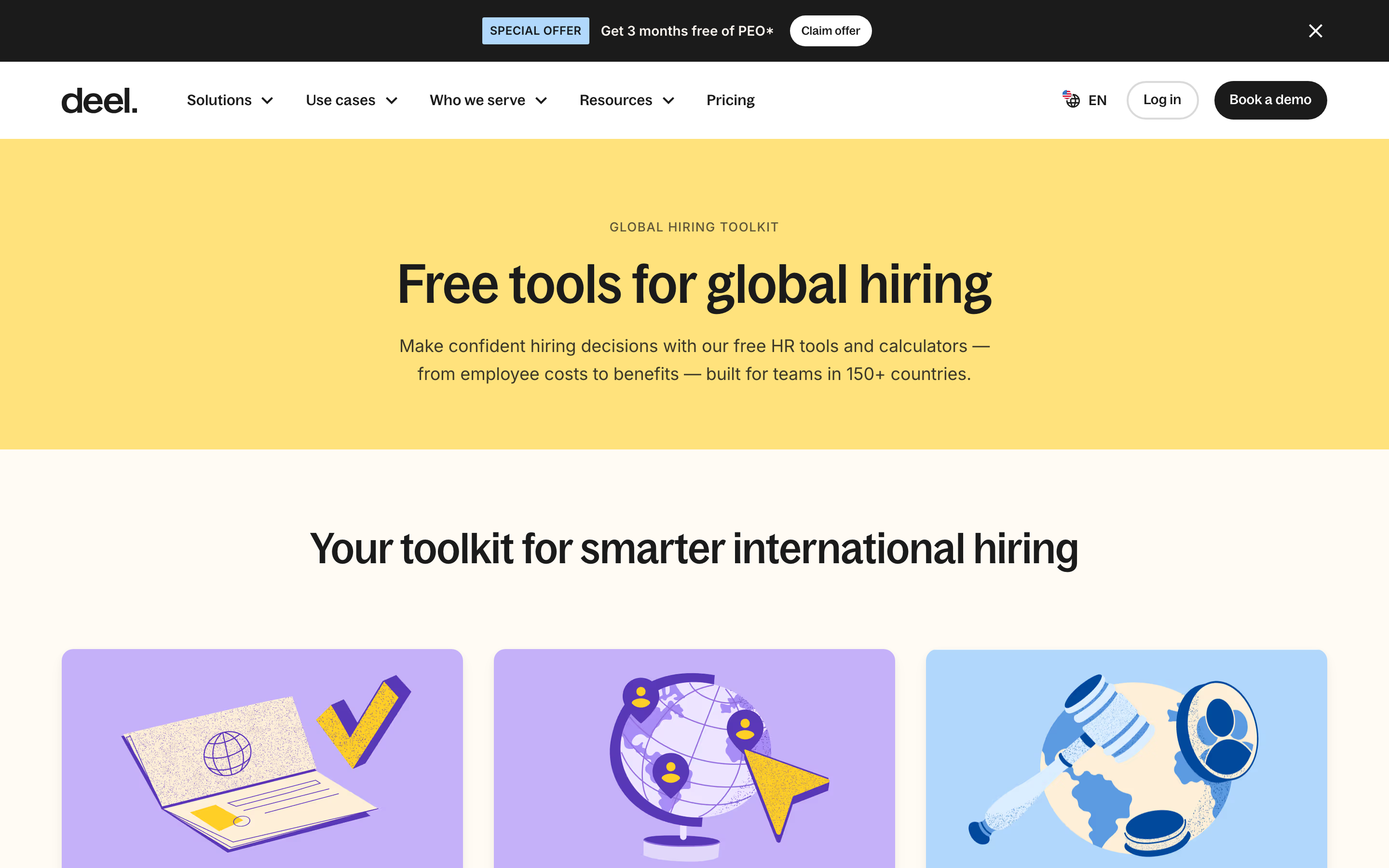
Deel gives away the answer before it asks for anything. Its global hiring toolkit lists nine free calculators, and the busiest one returns a number without an email wall. That is the mechanism behind using free tools for lead generation at Deel's scale: the tool makes the visitor describe their own situation, and the demo request lands after the number has already been useful.
Deel sells employer of record and global payroll, so its buyer arrives with one question in their head. What does this hire actually cost me in that country. Deel answers it on a public page and puts the same Book a demo button next to the answer.
Nine tools, one buying question each
The toolkit page is a grid, and each card maps to a decision a hiring lead is stuck on. Employee Cost Calculator for the budget. Take-Home Pay Calculator for the offer conversation. Global Salary Insights, which Deel says benchmarks across 120+ countries, for the range. Global Employment Comparison for the shortlist of countries, covering 80+. A Misclassification Quiz for the legal worry. A Visa Eligibility Checker. An EOR vs Entity calculator for the build-or-buy call.
Each one runs a small piece of the product in public. The Employee Cost Calculator does the arithmetic Deel's platform runs the moment a contract gets created, and it does it for a stranger who has no account.
The form asks what a sales rep would ask
Look at the inputs. Country. State. Second country. Currency. Gross annual salary. Then Calculate.
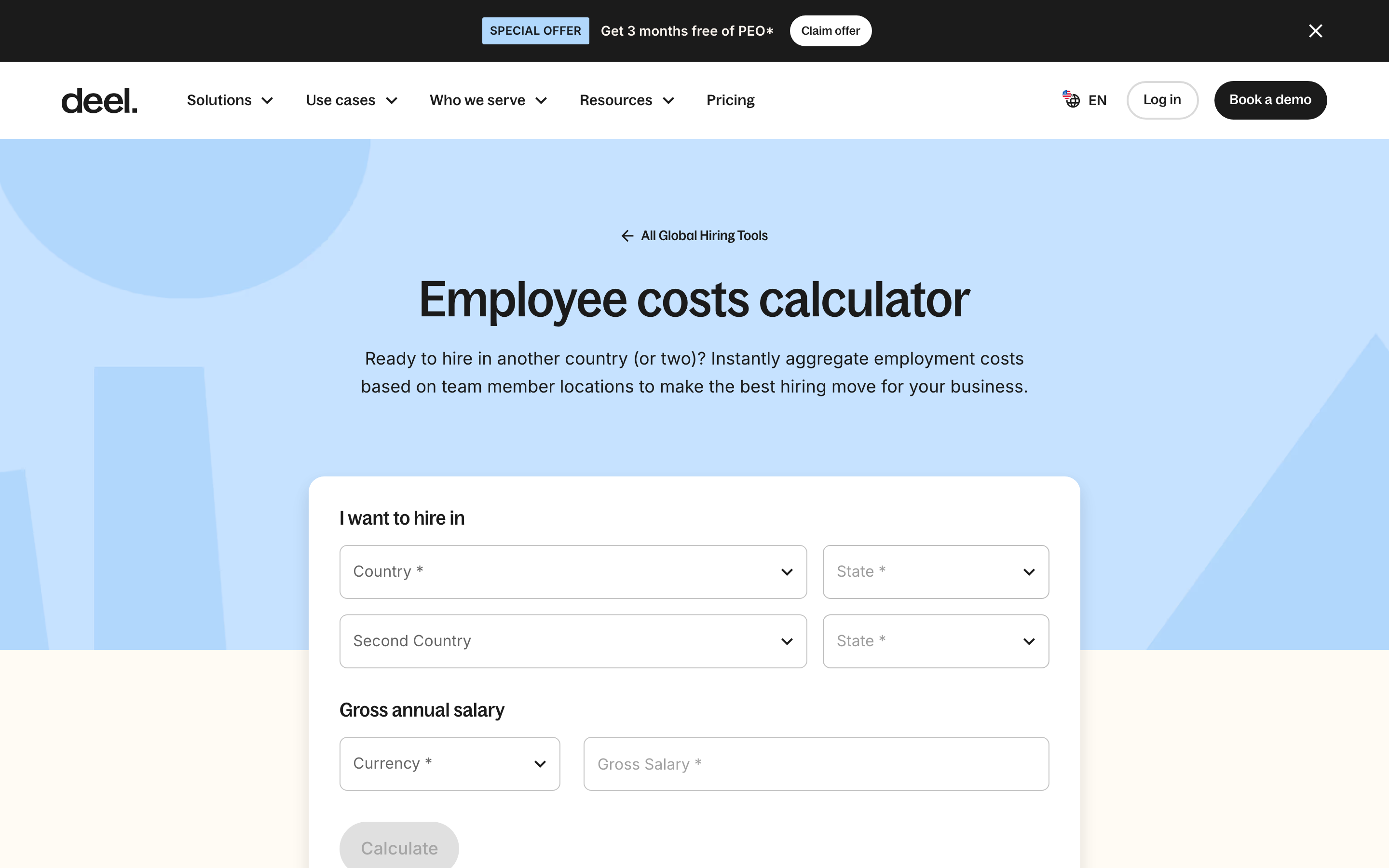
Those five fields are a qualification script. Country and salary tell Deel the deal size and the compliance surface. The second country field is the tell: it assumes you are comparing markets, which is exactly the moment an employer of record becomes interesting. A visitor who fills that in has said more about their plan than a contact form would ever capture, and they said it because the answer was worth the typing.
Compare that to the usual gated calculator, where the fields are name, work email, company size, and phone. Same friction, no value returned, and the data describes the buyer's contact record instead of their problem.
Free tools for lead generation work when the answer is real
The Calculate button fires without an email. That is the choice most teams get wrong when they copy this pattern. They build the tool, gate the result, and the page converts at the rate of a whitepaper.
Deel's version bets that a correct, specific number does the selling. The proof sits right next to it: 150+ countries, 40,000+ customers, $20B+ in payroll processed, all claims Deel makes on its own pages. Get a credible cost for hiring in Portugal, see who else runs payroll through this company, and the demo button stops feeling like a trap.
Every tool exits to the same place
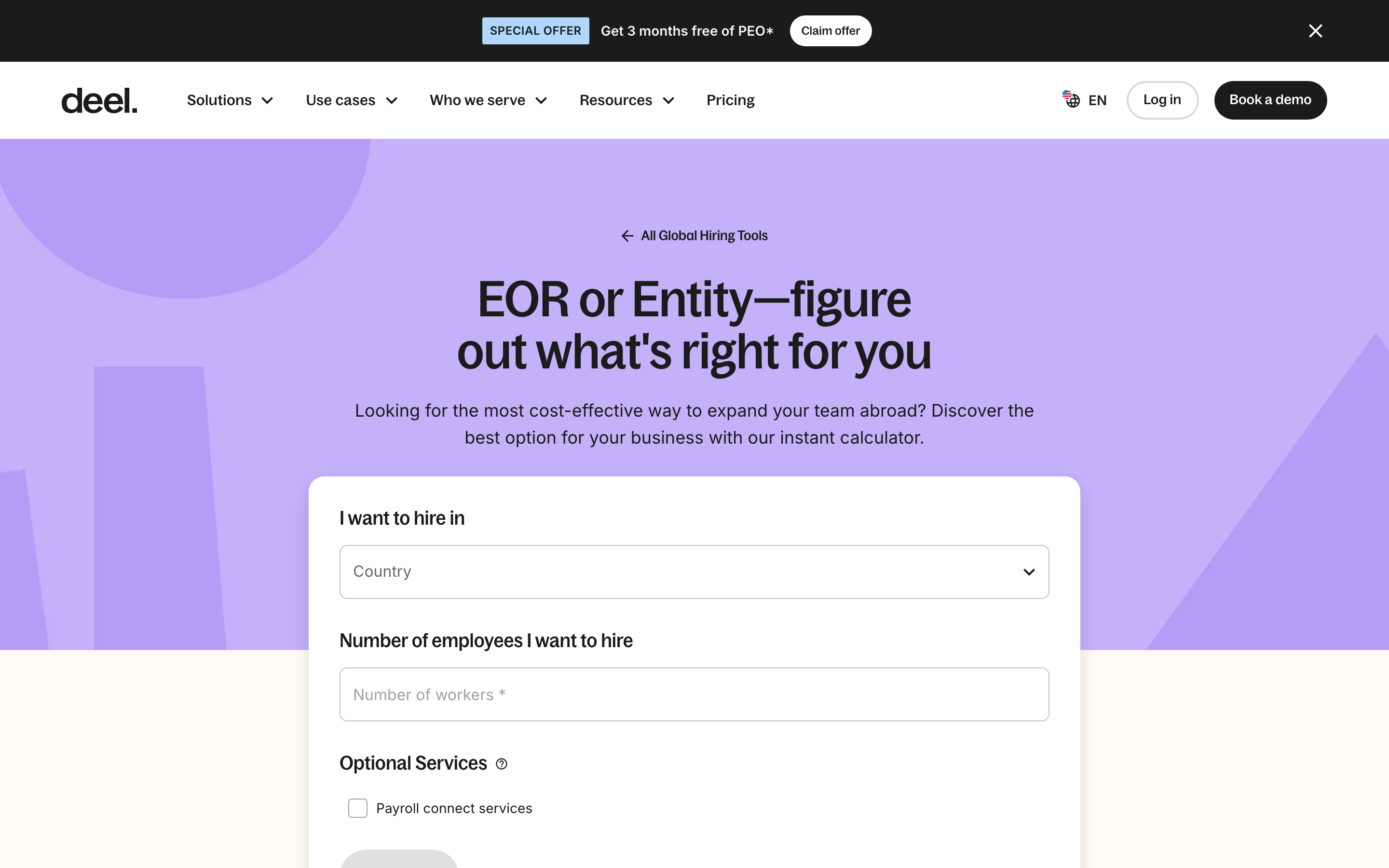
The EOR vs Entity calculator makes the pattern obvious. It frames the question as the comparison a finance lead is already running in a spreadsheet, then sits above an FAQ, three resource articles, and a grid linking to six other tools.
Two things hold this together. The tools cross-link to each other, so someone who came for take-home pay ends up in the cost calculator, and that internal linking gives every tool page authority it would not earn alone. And there is one call to action across all of them: Book a demo, with Contact Sales as the sales-ready variant. No newsletter signup competing for the click, no ebook, no webinar. The same discipline shows up on the strongest self-serve pricing pages, where one path forward beats five.
What to copy if you have one tool, not nine
Start from the calculation your buyer is already doing badly. Most companies have one. A cost, a payback period, a headcount, a migration estimate. If a prospect asks it on every first call, it should be a page.
Then hold three rules. Return the answer ungated, because the answer is the ad. Ask only for inputs the calculation needs, and let those inputs double as qualification the way Deel's second country field does. Put one call to action beside the result, matched to what the tool just proved you can do.
Watch two numbers after launch. Completion rate tells you whether the inputs are too heavy. The share of demo requests that touched the tool tells you whether it earns its keep, and that segment is worth building in your analytics before you ship. A tool page also picks up search demand a blog post cannot: people look up employer costs by country every day, and a calculator answers that query head on. It is the same logic behind the way a pricing page qualifies expensive clicks.
One tool, honestly useful, ungated, pointed at one action. That is the whole build.
If you want help finding the calculation your buyers are already running and turning it into a page that earns demos, that is the kind of work we do.


