Claim your ChatGPT business profile, then log its numbers weekly
OpenAI's Business Hub counts ChatGPT mentions and clicks for the last 28 days only. Claim your profile and keep a weekly log, set against GA4.
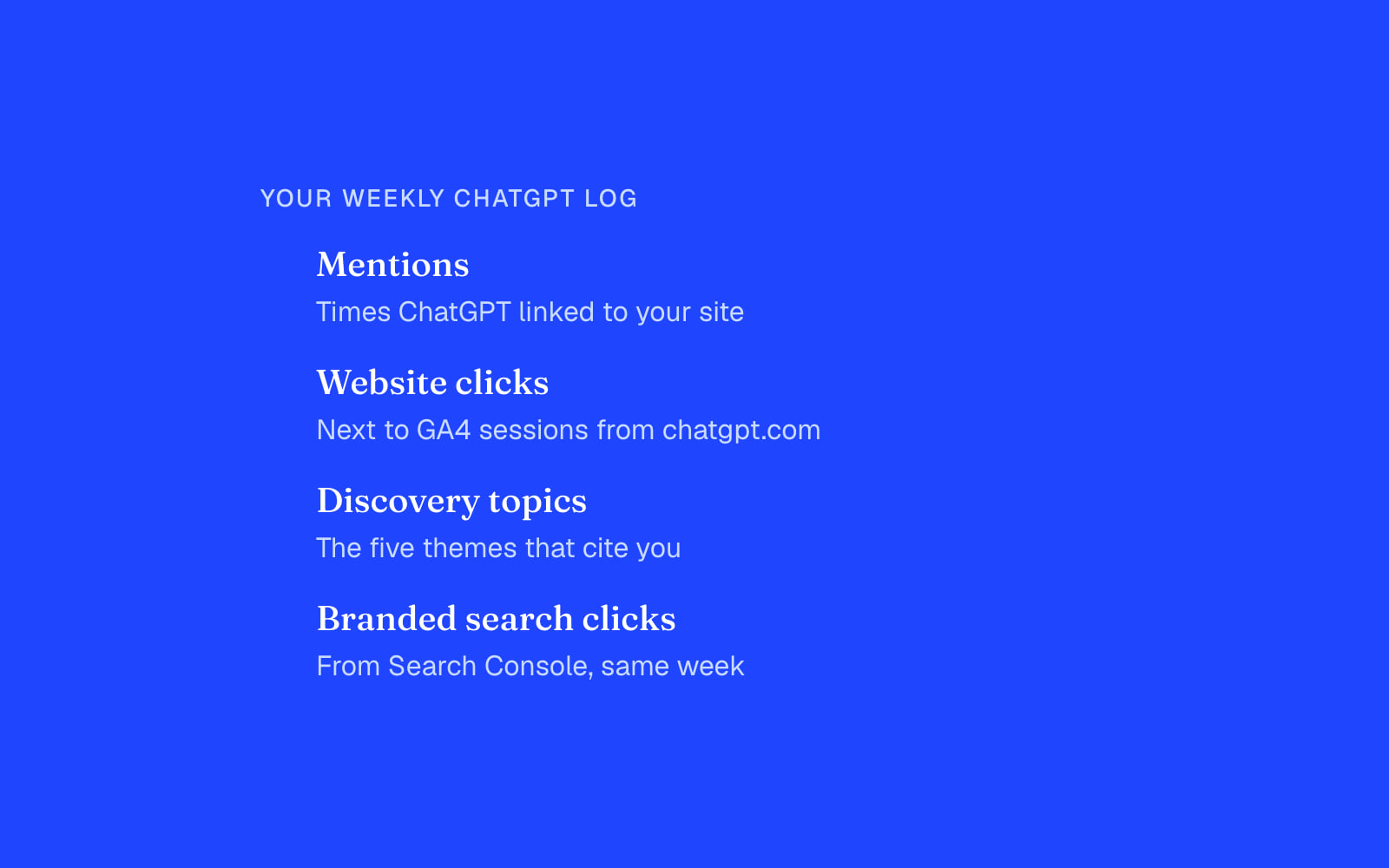
Claim your ChatGPT business profile this week, then copy its numbers into a sheet every Monday. OpenAI opened Businesses in ChatGPT in beta on November 10, 2026, and the profile's Insights tab is the first first-party count of how often ChatGPT cites your site and sends clicks to it. The catch: it only shows the last 28 days, and its click count won't match your analytics. The log you start now is the only history you'll have.
What a ChatGPT business profile gives you
OpenAI announced the beta as three things: claim your business, manage your information, and get insights on how people engage with you. You claim through Business Hub with a company email or your website's domain, and an authorized person passes an identity check with Persona before any change goes live, as eWeek reports. Once that's done you can correct your description and policies and add a product feed.
Insights holds four numbers, defined in OpenAI's setup guide and summarized by LLM Pulse:
- Mentions: times ChatGPT referenced your website. A brand name in an answer without a link to your site doesn't count.
- Profile views: people opening your profile inside ChatGPT.
- Website clicks: recorded clicks on links to your site. OpenAI says these don't confirm visits or conversions.
- Discovery topics: the top five themes across conversations that cited your site.
Each comes in a seven-day and a 28-day view. Low counts are withheld for privacy, and you never see the prompts, the conversations, or a competitor's numbers.
Why the click count won't match GA4
A click in ChatGPT and a session in your analytics are two different events. Some clicks never load your page. Some loads arrive without a referrer and land in direct. And some visits come from people who read an answer, then typed your name into Google a day later, which shows up as branded search.
So the useful number is the gap. Put Hub's website clicks next to the sessions GA4 credits to chatgpt.com for the same seven days. If Hub says 400 clicks and GA4 shows 150 sessions, roughly 250 visits a week are hiding somewhere else in your reports. We covered how to give that traffic its own channel in AI referral traffic is now one channel; the Hub number tells you how much that channel undercounts.
Set up the weekly log
It takes about twenty minutes, once.
- Claim the profile and finish the Persona check. Use the domain route if your team signs in with a shared inbox.
- Fix anything wrong in the profile before you read a single number. A stale price or an old product name will shape the answers you're about to measure.
- Make a sheet with one row per week: date, mentions, profile views, website clicks, the five discovery topics, GA4 sessions from chatgpt.com, and branded search clicks from Search Console.
- Every Monday, copy the seven-day view into a new row. Same day, same view, so the weeks compare.
- After four rows, add a column for the click-to-session ratio. That ratio is the correction you apply to every ChatGPT number your analytics reports.
Branded search sits in the sheet because it moves with AI exposure. If mentions rise and branded clicks follow two weeks later, you've found the delayed effect that no referrer will ever show. There's more on why that query set matters in why branded search is your best SEO bet in the AI era.
Read discovery topics as a content brief
Five themes isn't much. It's still the first list, from the model itself, of the conversations where your site earns a citation. Two readings are worth acting on.
A topic you didn't expect means ChatGPT trusts a page for something you never planned it to answer. Find that page and make the answer on it easier to quote: a plain definition near the top, a number, a date.
A topic you sell into that never appears is a gap. Write the page that answers its core question directly, then watch whether it enters the five over the next month. Since the list keeps only the top five, log it every week, or a theme that drops out leaves no trace.
Hold the agent and the ads until you have a baseline
The beta also lets eligible US ecommerce and online service businesses build a Business Agent that answers questions about their products, and businesses can sponsor that agent or use it as the landing spot for ChatGPT Ads. The agent can't complete a purchase, take a booking or check an order, per eWeek, so it hands the buyer back to your site anyway.
Paying to send people to it before you know your organic mentions and clicks means you can't tell what the spend added. Four weekly rows give you that baseline. Then test the agent or a campaign, and read the change against the log.
If you want help setting up the log and turning the first month of numbers into a content and channel plan, that's the work we do.


