Google Ads Editor 2.14 turns on AI Max for new Search campaigns
Editor 2.14 lets Google pick the landing page on every new Search campaign. Set URL exclusions before you post, then read one report each week.

Google Ads Editor 2.14 turns on AI Max, text asset automation and Final URL expansion by default for every new Search campaign you build in it. For a B2B team, the setting that matters is Final URL expansion: it lets Google send a paid click to whichever page on your domain it judges most relevant to the query, and the most relevant page for a SaaS query is often a blog post, a docs page or a careers page with no demo form on it.
So the fix is a decision, made before you press Post: either switch expansion off on campaigns where the landing page is the offer, or leave it on and fence it with URL exclusions. Then read one report every week for the first month.
What changed in Google Ads Editor 2.14
Google's release notes for Editor 2.14 say it in one line: "AI Max, text asset automation, and Final URL expansion are now activated by default when creating new Search campaigns." Search Engine Roundtable reported the release on 12 November 2026, alongside nine other changes, most of them about retention bidding.
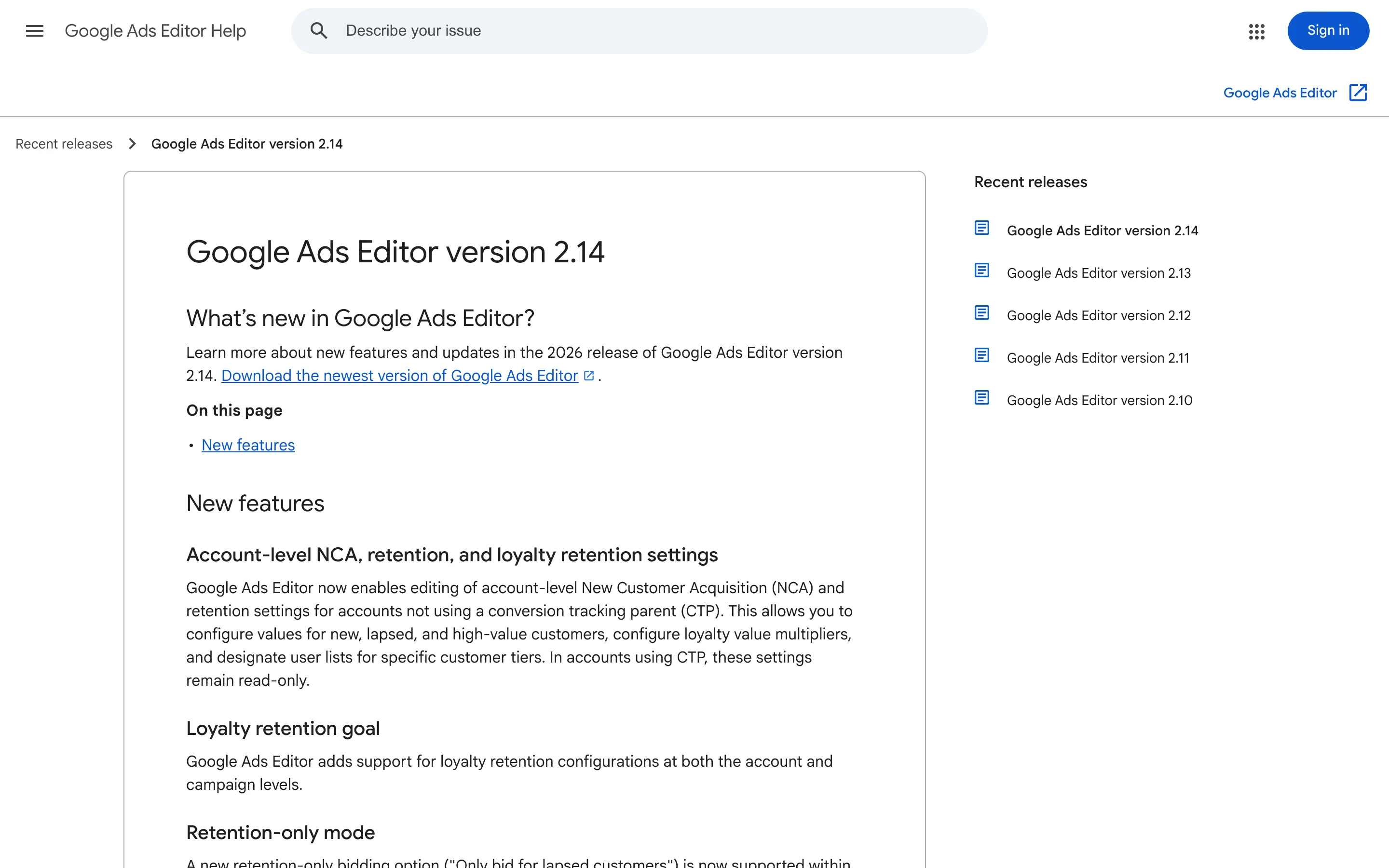
Three limits on the change are worth knowing. It applies to new campaigns, and the notes say nothing about switching AI Max on for campaigns you already run. It's a default, so each of the three settings can be turned off per campaign. And the notes don't say whether the same default now applies in the web interface or the API, so check both if your team builds campaigns there too.
Editor is where bulk builds happen. If your team pastes a spreadsheet of 30 ad groups into Editor every quarter, all 30 now inherit expansion unless someone unticks it.
Why Final URL expansion hits B2B harder
Google's help page on Final URL expansion says it sends traffic "to the most relevant URLs on your domain when it's likely to result in better performance," limited to URLs that are "query relevant and themed to your ad group."
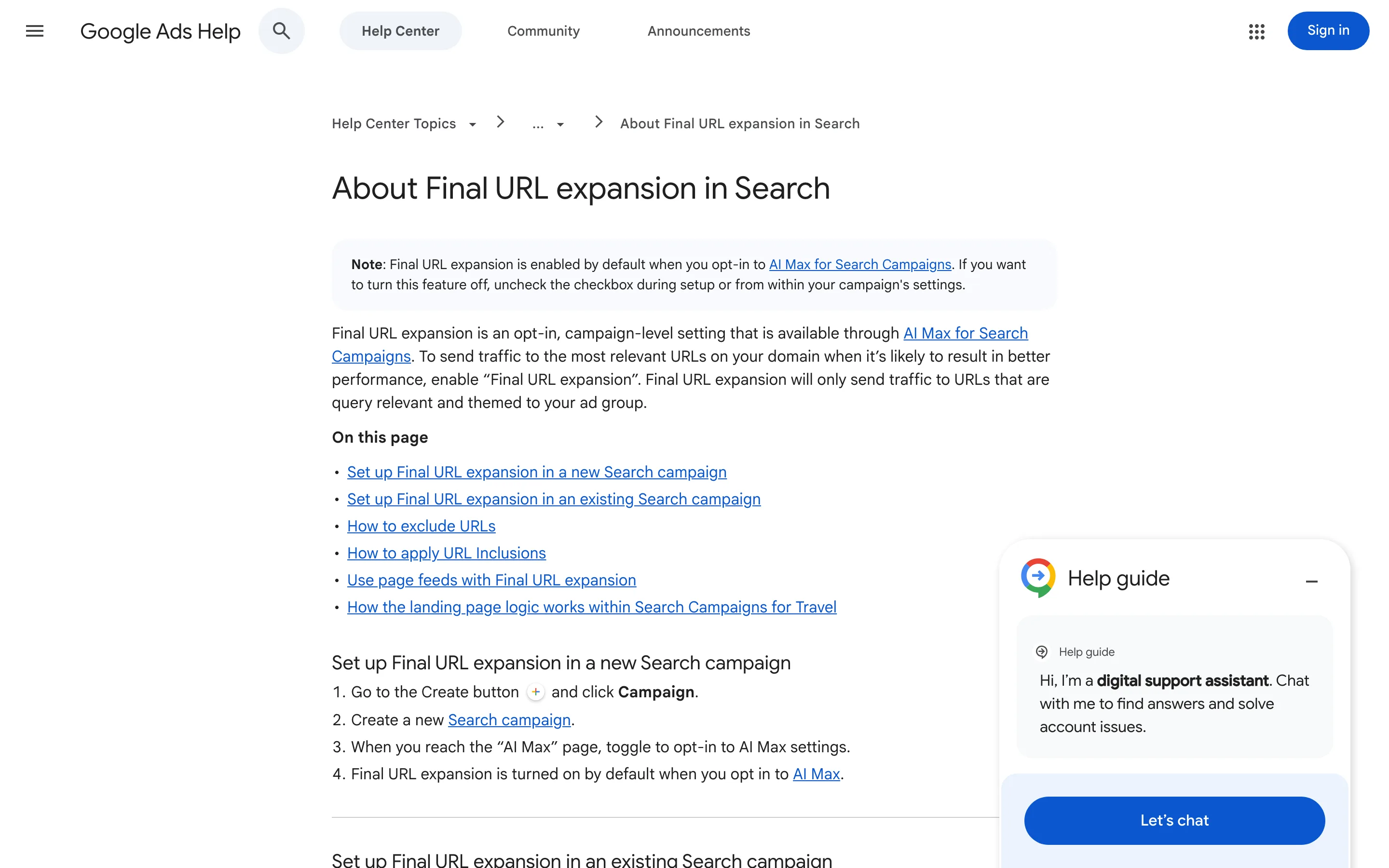
Relevance is measured against the query. Your conversion happens on a page built for a decision. On an ecommerce site those are often the same page: a search for a blue running shoe lands on the blue running shoe. On a SaaS site they drift apart. A search for "SOC 2 audit checklist" matches your blog post on SOC 2 far better than your compliance product page, and the blog post asks for nothing.
The damage compounds if you bid on a conversion that only your landing pages can produce. Clicks to the blog cost the same, convert at a fraction of the rate, and feed the bidding model data that says the keyword is worse than it is. That's a slow leak, and it hides inside an average.
Set URL exclusions before you post the campaign
If you keep expansion on, which is worth testing on broad, research-heavy ad groups, exclude the parts of the site that can't convert a paid visitor. Exclusions live in the campaign's AI Max settings, under Final URL expansion, and Google accepts three kinds: exact URLs, page feed custom labels, and "URL contains" rules.
The "URL contains" rules need care, because they match whole tokens of the URL, split at slashes, hyphens and periods. A rule for blog catches /blog/soc-2-checklist. A rule for career misses /careers, because plurals don't match. Underscores don't split tokens, so /help_center is one token. A starting set for a typical SaaS site:
blog,docs,changelogandcareers, written exactly as your folders are namedlogin,signinand your app subdomain's paths, so nobody pays to reach a sign-in screenprivacy,termsandlegal
Going the other way, URL inclusions add pages expansion didn't pick up at the ad group level, and a page feed with custom labels lets you hand Google a curated list of the pages you want used.
Read the landing pages report every week
Google's AI Max reporting page names where to look. The Landing pages report includes the URLs expansion chose, and its "Selected by" column flags the ones AI Max picked. Compare their conversion rate with your own pages for four weeks. If the AI-picked pages convert at half your rate or worse, exclude them or switch expansion off for that campaign.
The search terms report shows the same traffic from the query side. Filter the match type column for "AI Max" and work it the way you'd work any search terms report to cut wasted spend.
When to switch expansion off
Turn it off where the page is the pitch. A competitor comparison campaign, a demo campaign aimed at a single landing page, a campaign built around one offer: each one depends on a page you wrote to convert cold paid traffic, the kind of page Ramp builds for its paid clicks. Letting Google swap it for the closest blog post undoes the work.
Leave it on, fenced, where you're still learning which queries exist: broad category campaigns with several decent pages behind them. That's where an extra landing page can find demand you hadn't mapped.
If you want a second pair of eyes on your campaign defaults before your next bulk build, that's the kind of work we do.


