What Figma's resource library gets right about top-of-funnel SEO
Figma runs 247 how-to articles that never lead with the product. Here is how the library, the templates and the internal links fit together.

Figma's resource library holds 247 how-to articles, and the one we read closest never names Figma in its opening paragraph. That is the shape of its top-of-funnel SEO: answer the question a designer typed into Google, then offer a free template that happens to open inside the product. We read three page types on Figma's resource library to work out which parts a five-person team can copy.
The library is organised around questions, not products
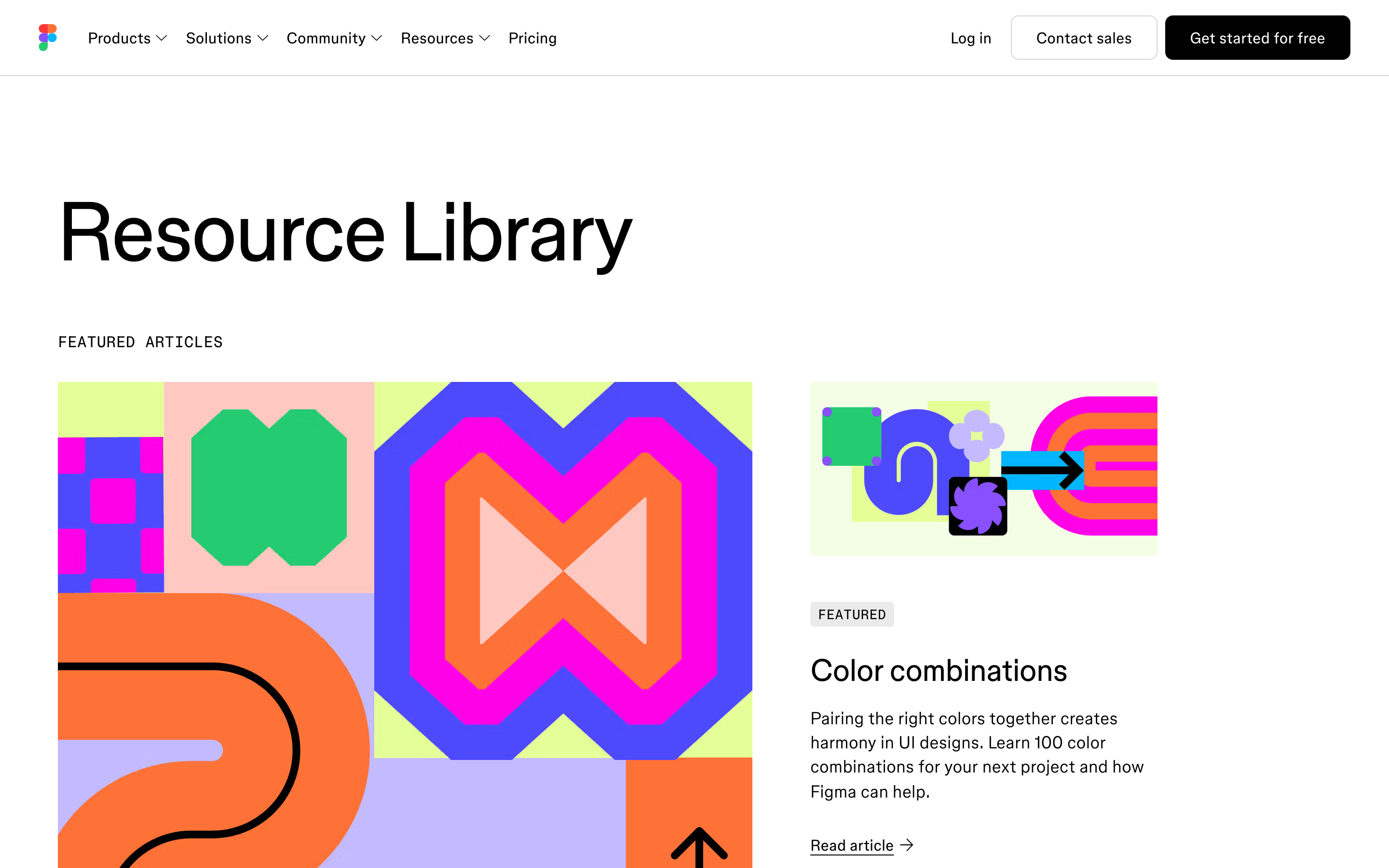
The index reads like a curriculum. Five sections down the left (Building with AI, Design Basics, Strategic Planning, Team Productivity, Social Media Guide) and titles that read like search boxes: "Button states in UI design", "How to create a persona", "What is Model Context Protocol (MCP)?".
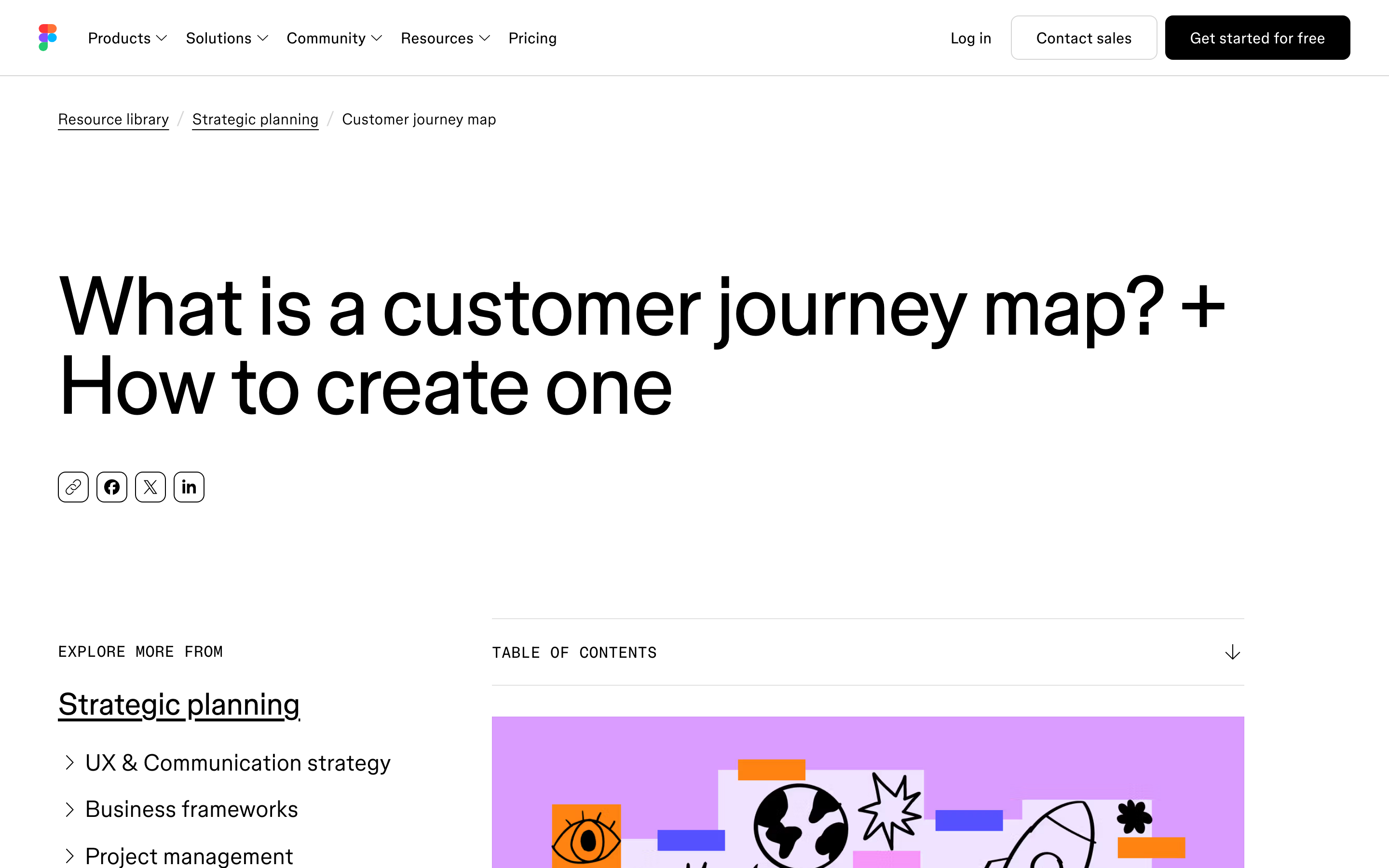
The titles carry the query and nothing else. Someone searching what is a customer journey map lands on a page whose H1 is "What is a customer journey map? + How to create one". The match is close enough that Google has an easy decision to make, and the reader knows within one second that they are in the right place. This is the boring part of matching a page to search intent, done 247 times.
Every article ends in a template, and the template is the offer
The journey map article closes on one line: "Use FigJam to visualize every step of your customer's experience and get your whole team on the same page," with a Get started button under it. Before that it links twice into template pages. Those pages run their own headline ("Customer journey map templates to visualize your buyer's point of view") and repeat two buttons down the page: Try FigJam for free, and Get the template.
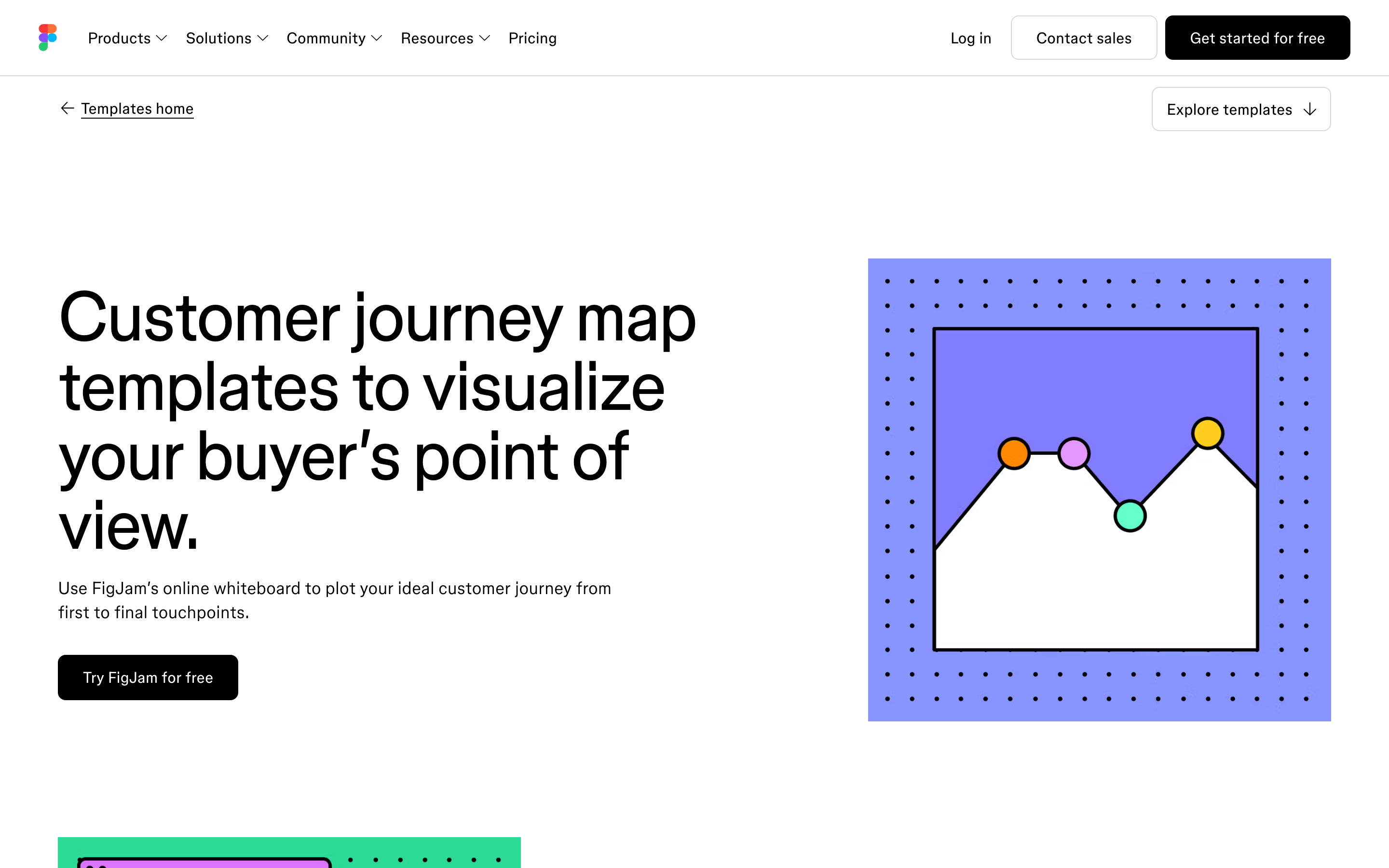
The ask sits one full step below a demo. A person who searched a definition question has no budget, no timeline and no problem framed yet. A duplicable file costs them nothing and drops them straight into FigJam, where the product argues its own case. The template page even closes the loop: its FAQ links back up to the article the reader came from.
The internal links build a real cluster
The journey map article links out to thirteen other resource-library pages. Personas, empathy maps, problem statements, SMART goals, mood boards, strategic planning, context diagrams, even pricing page best practices. Each of those answers a query of its own and links back into the same set.
So the cluster holds together without a hub page doing the work. Nothing is parked behind a category archive waiting for someone to click through. Every page earns traffic alone and passes some of it sideways to its neighbours, which is the same mechanic behind Linear's changelog in a different costume.
Where this gets expensive
247 articles is a lot of writing, and most of these queries are competitive. "Customer journey map" is fought over by HubSpot, Miro, Lucidchart and a hundred agency blogs. Figma wins some of them on domain strength that a young company does not have.
The pattern also only works when your product can absorb the traffic. Figma has an obvious artifact to hand someone at the end of every design and planning article: a file. If your product has no equivalent giveaway, the same content pulls readers who bounce, and you have bought yourself an audience instead of a pipeline.
What to copy with ten pages instead of 247
Start with the five questions your buyer asks before they know your category exists. Not "best CRM for startups", which is bottom of funnel and already crowded. The earlier ones: what a thing is, how to run it, what to put in it.
Then title the page with the query, word for word. Put the definition in the first two sentences so it can be quoted by a snippet or an AI answer. Give the reader an artifact at the end (a template, a checklist, a calculator, a spreadsheet) rather than a call. And link the ten pages to each other on purpose, so a reader who found one has somewhere to go and Google can see they belong together.
Ten pages built that way beat forty that each mention your product in the first line. The reader gets what they came for, and the product introduces itself once they have a reason to care.
If you want help turning this into a content plan you can actually run, that is what we do.


