How Klaviyo's URL folders make a topic cluster easy to track
Klaviyo keeps each topic cluster in its own URL folder, so one Search Console filter reports the whole group. Here is the structure and how to copy it.

A topic cluster gets easy to track the moment its pages share a URL folder. Klaviyo built its email cluster that way: the hub sits at /products/email-marketing, seventeen pages live directly under it, and one Search Console filter reports the whole group as a single line. The blog on the same domain has no folder like that, and the difference between the two is the lesson.
Everything below comes from the markup on the live pages, read on 22 August 2026.
The cluster sits in the product tree
The hub links to seventeen sibling pages inside its own folder. Segmentation, templates, benchmarks, A/B testing, ecommerce, small business, startups, enterprise, restaurants, a definition page for "what is email marketing", and a best-practices guide that runs past 6,000 words. Each page takes the head term and adds one modifier, so the cluster covers a family of queries without writing the same page twice.
The pattern repeats one folder over. The SMS hub at /products/sms-marketing links to eighteen pages of its own, built to the same shape: compliance, bulk sending, benchmarks, templates. Two clusters, two folders, no overlap between them.
Every page in the folder carries the cluster nav
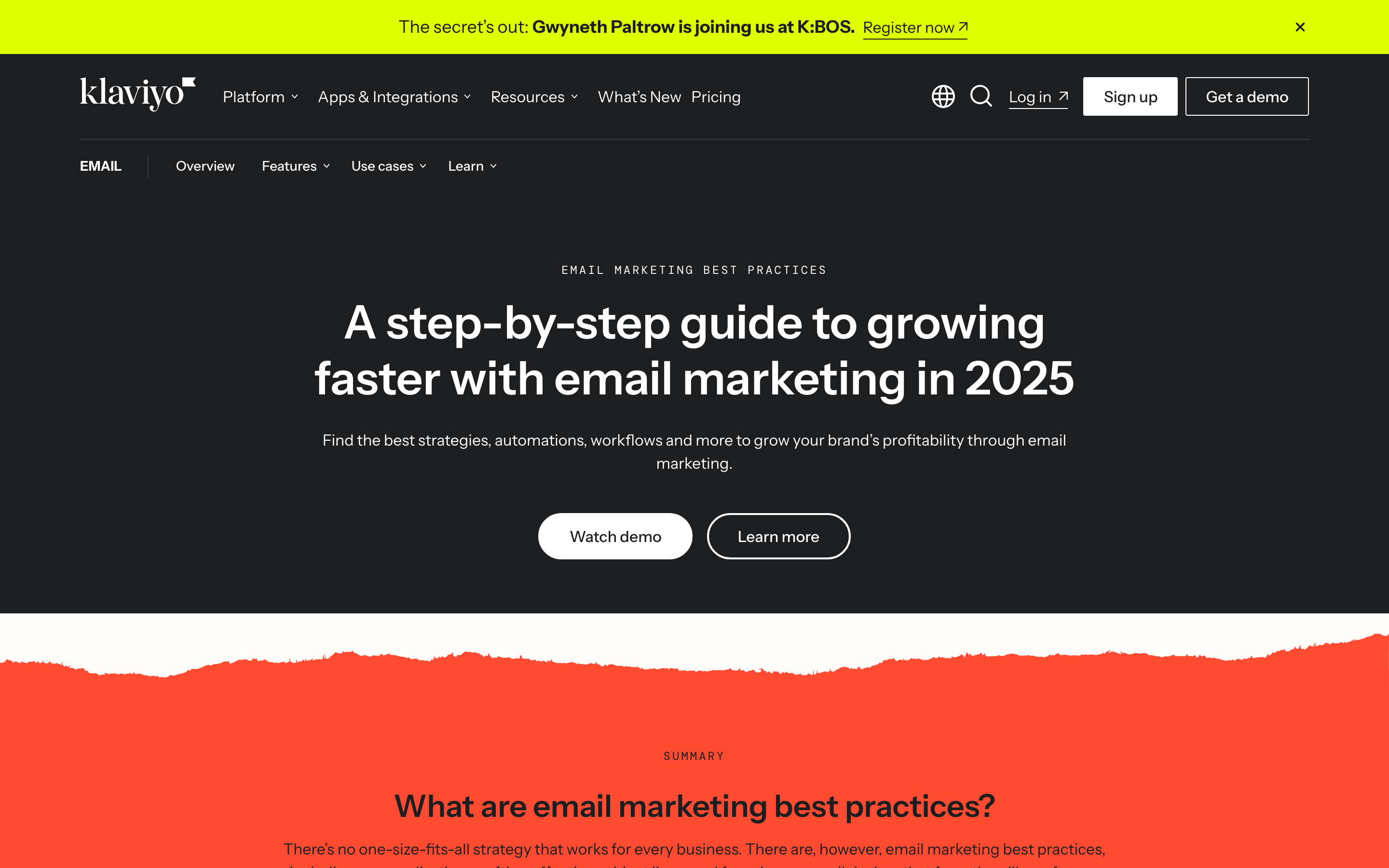
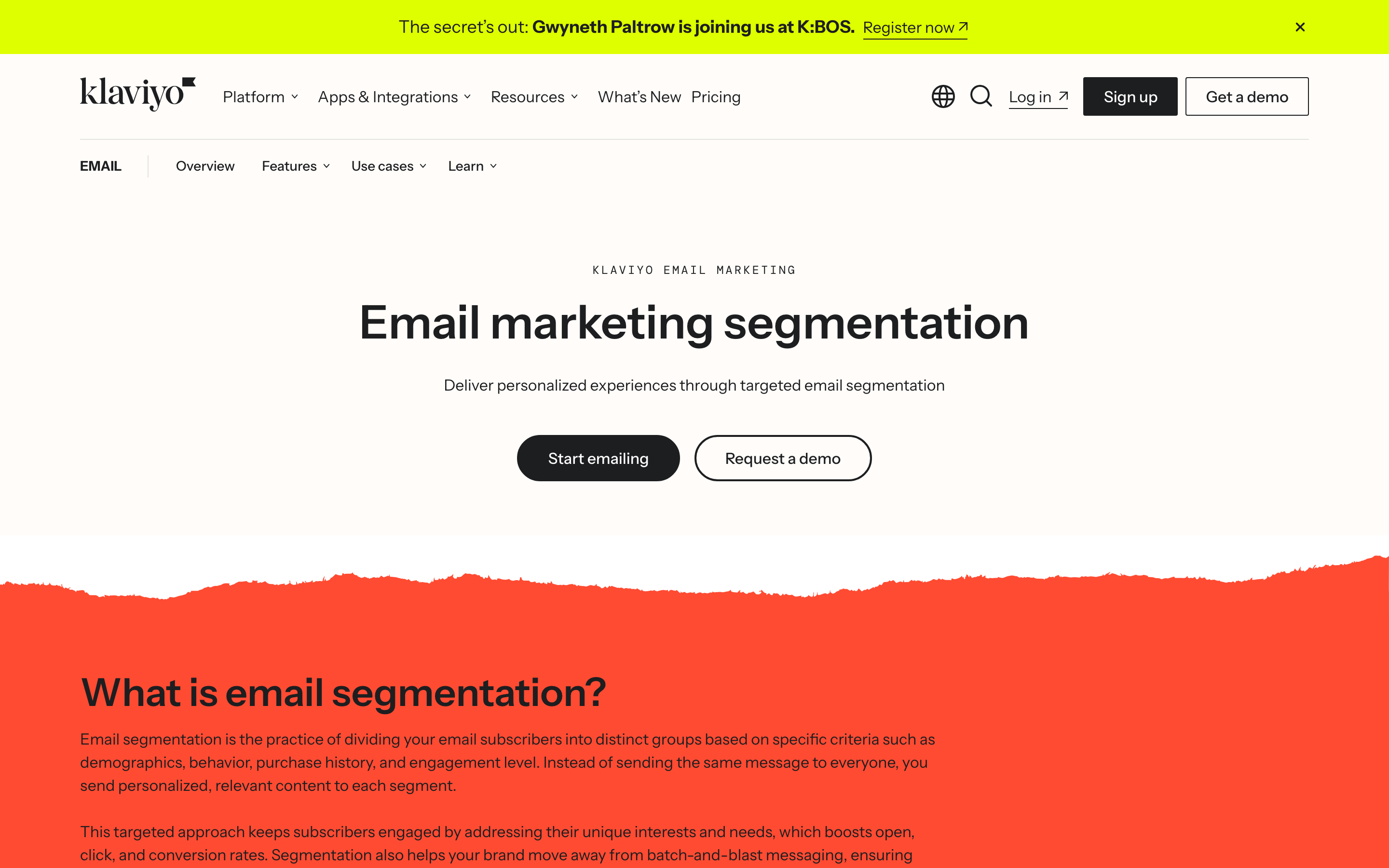
A second bar sits under the main menu on every page in the folder: EMAIL, then Overview, Features, Use cases, Learn. It shows up on the hub, on the 6,000-word guide, and on /products/email-marketing/segmentation. A visitor who lands on the segmentation page from a search result reaches the rest of the cluster in one click, and a crawler that finds any page in the folder finds all of them.
The guide is where the care runs out. Its headline still reads "A step-by-step guide to growing faster with email marketing in 2025" while the title tag says 2026, so the biggest page in the cluster shows a stale year in the largest type on the screen.
How to track a topic cluster in Search Console
The folder is what makes the reporting quick. Open Performance, Search results, and add a Page filter set to "URL contains /products/email-marketing/". Clicks, impressions, CTR and average position now describe the cluster as one thing, and you can read them the way you read a campaign.
Switch to the Pages tab with the filter still on and count the URLs that picked up at least one impression. That number is cluster coverage. Four live pages out of seventeen means the spokes are the problem, and an eighteenth page will not fix it.
Then compare the last three months against the previous period, filter on. You learn whether the group is gaining or the hub is carrying the whole folder alone. Watch which URL Google picks for the head term too: when two pages trade places month to month you are looking at keyword cannibalization, and the fix usually starts with an internal link. If the cluster does not exist yet, build the structure first and pick the folder name before you publish anything into it.
The blog sits outside the system
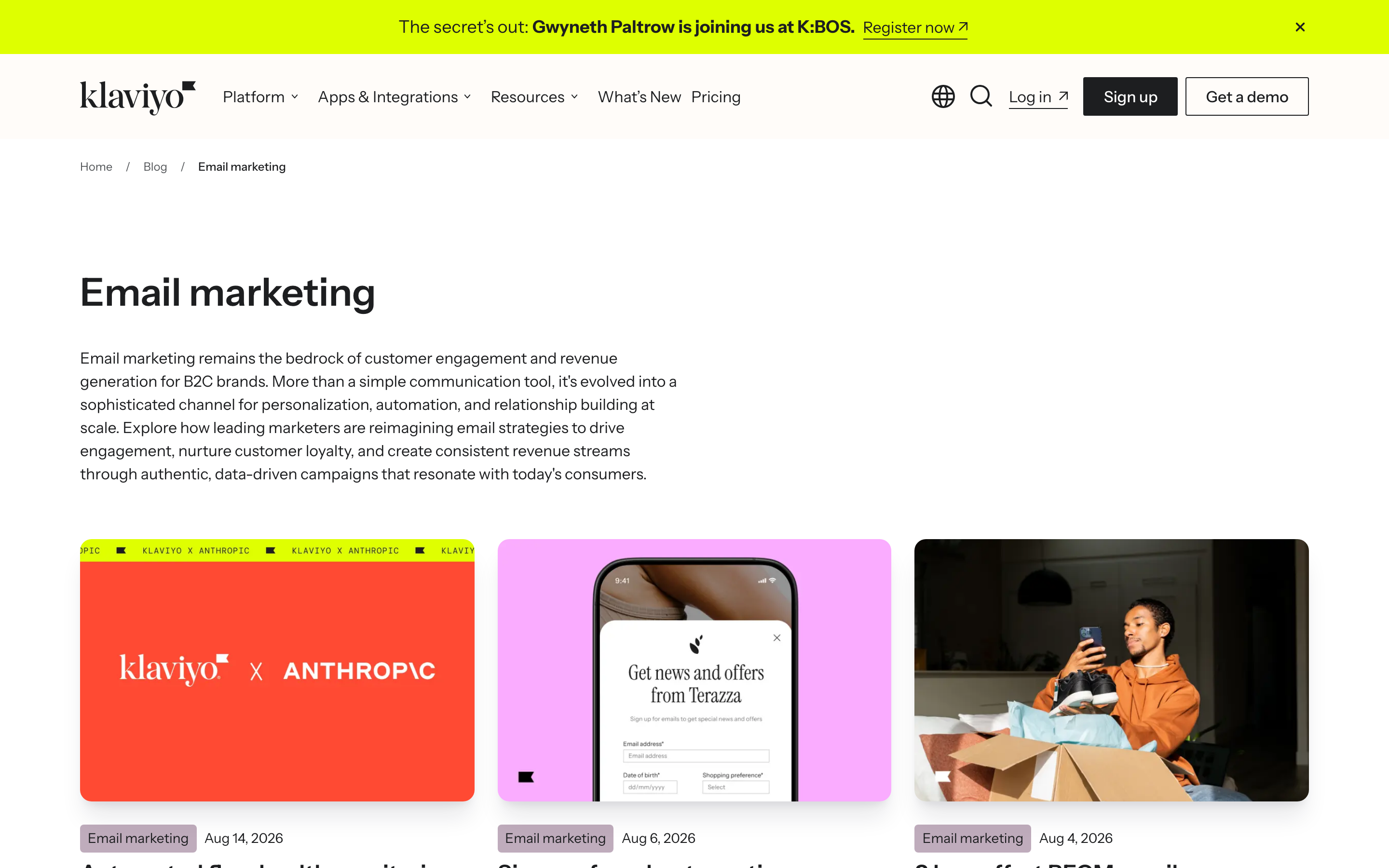
Klaviyo's blog runs flat: /blog/email-marketing-metrics, /blog/click-rate, /blog/sign-up-form-best-practices. The topic lives on category hubs like /blog/category/email-marketing, fourteen pages deep, and never reaches the URL. So the prefix filter that works on the product folder does nothing here. Measuring the blog's email cluster means keeping a list of URLs by hand and filtering with a regex, and that list goes stale the week someone publishes without telling you.
The links lean one way as well. The best-practices guide points out to seven blog posts. Of the three posts we opened, two reach the product folder only through the site menu, one links to the hub and the benchmarks page from its body, and none of the three link to the guide. The biggest page in the cluster gets almost nothing back from the library sitting next to it.
What to copy this week
The folder does not have to sit under /products. A blog can nest too, with /blog/email-marketing/ as the hub and the spokes underneath it. What matters is that a person reading the URL and a filter reading the prefix agree on where the cluster starts and where it ends. Klaviyo chose the product tree, which hands the internal links to pages that sell, and left the blog flat, which is why fourteen pages of posts stay invisible in the cluster report.
Name a folder after the head term and put every page in the cluster inside it. Give the folder its own nav strip so the pages link to each other without depending on the main menu. Report the folder rather than the page: impressions, coverage, and the hub's average position on the head term, checked once a month. Do that and you can read the health of a cluster in thirty seconds.
If you want help turning your pages into clusters you can measure, that is the kind of work we do.


