How HubSpot's pillar pages hold a topic cluster together
HubSpot's Instagram pillar page links to about 20 spokes that link back. What to copy, the two leaks to avoid, and how to track the cluster you build.

A pillar page is one broad page that covers a whole topic and links out to a set of narrower posts, each of which links back to it. HubSpot popularized the model and still runs it: its Instagram Marketing page splits the subject into six chapters and sends readers to around 20 posts on its blog. Here's what that setup gets right, where it leaks, and what to copy for your own cluster.
What HubSpot's Instagram pillar page does
The H1 is two words: "Instagram Marketing". The subhead carries the promise: "How to Create Captivating Visuals, Grow Your Following, and Drive Engagement on Instagram." The page goes after the head term and leaves the narrow questions to other URLs.

Below the hero, a table of contents breaks the topic into six chapters: why market on Instagram, building a strategy, creating a business account, types of posts, hacks and best practices, and analytics. The chapters link out to the posts that go deeper, on Stories, captions, filters, hashtags and Instagram statistics. Every one of those posts lives under blog.hubspot.com/marketing/.
That's the whole idea. The pillar answers "what is Instagram marketing and how do I start" well enough to rank for it. The spokes answer "how do I write a good Instagram caption" well enough to rank for that. Neither page tries to do the other's job, so they don't fight over the same query.
The links run both ways
A cluster only holds when the spokes point back. Open HubSpot's Instagram Stories guide and you find it: in the section on how to use Stories, a sentence asks what this means for your "Instagram marketing strategy", and those three words link to the pillar.
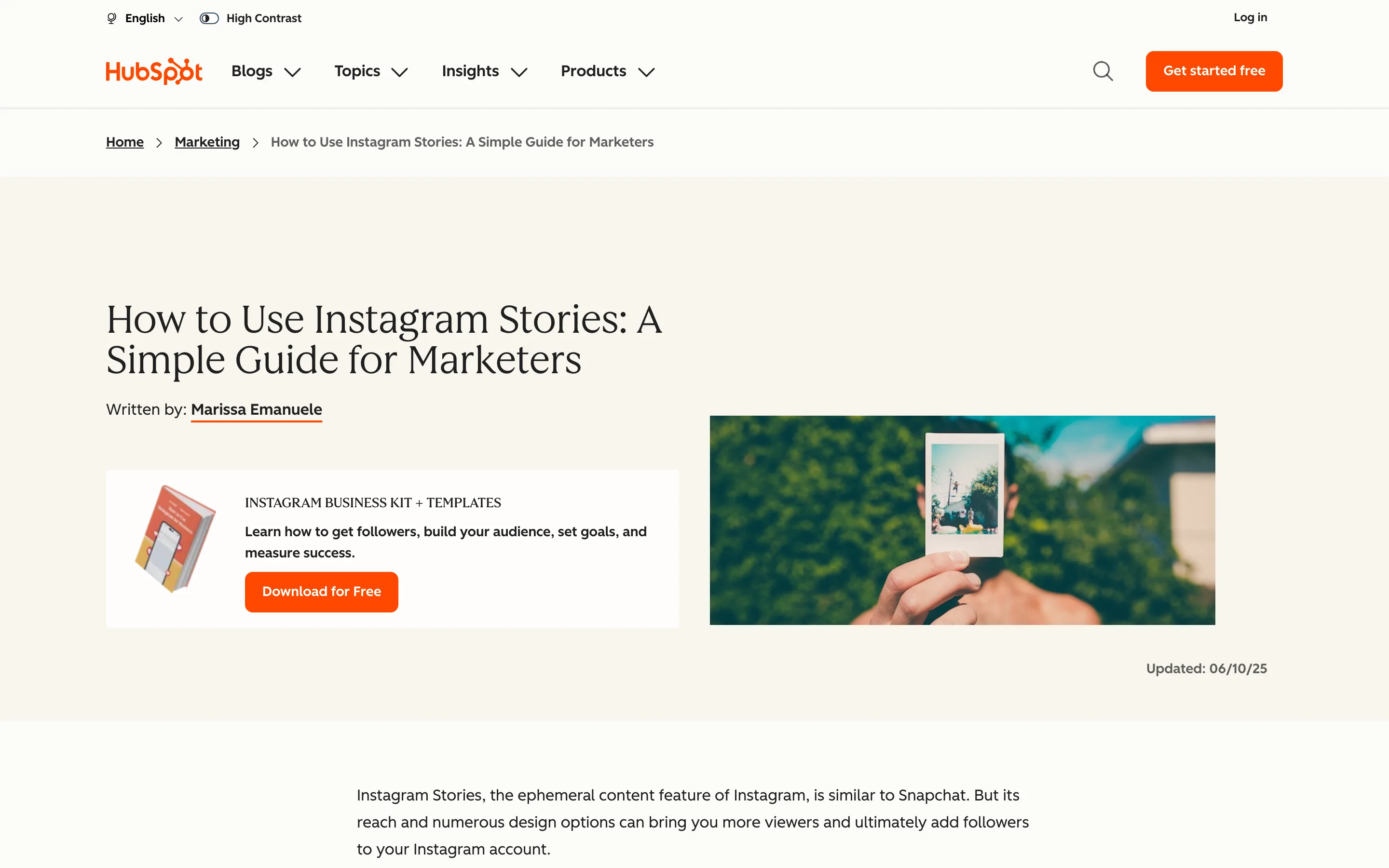
The anchor is the pillar's head term, inside a sentence a reader would follow. That's the pattern to steal. A "related reading" box at the bottom of a post works too, but a link inside the copy carries context a box can't.
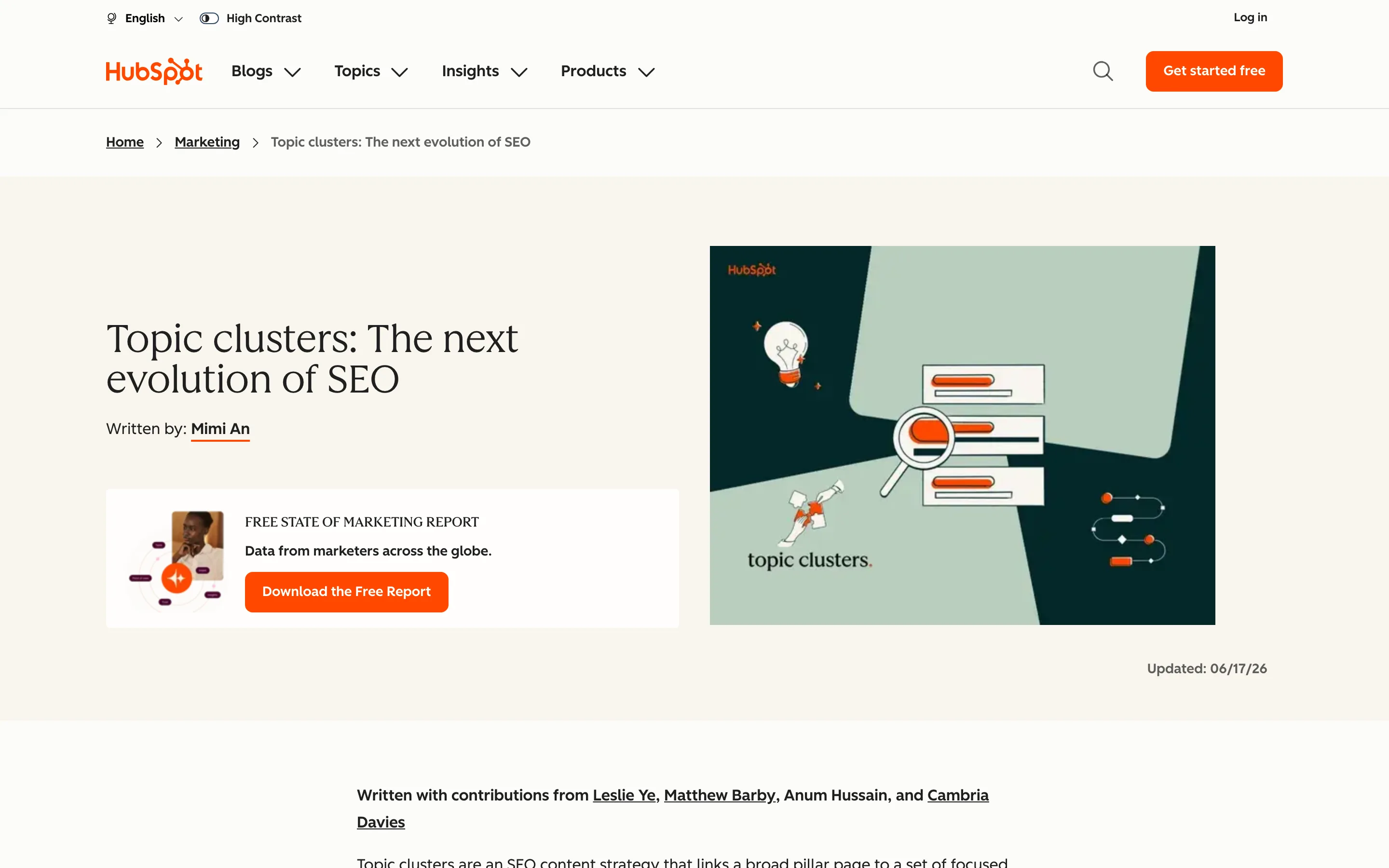
HubSpot says the internal links are the point. Its own article on topic clusters credits research by Anum Hussain and Cambria Davies: the more internal links they added between related pages, the higher those pages climbed and the more impressions they earned. The team then rebuilt its blogs around the model, starting with a Sales Blog that held roughly 2,500 posts.
Where the structure leaks
Two choices cost HubSpot something, and both are easy to avoid on a smaller site.
The first is the address. The pillar sits on www.hubspot.com. The spokes sit on blog.hubspot.com, in one flat /marketing/ folder shared with every other marketing topic HubSpot writes about. The breadcrumb on the Stories guide reads Home, then Marketing. Nothing in the URL or the breadcrumb tells a reader, or a crawler, that this post belongs to the Instagram cluster. The links carry that weight alone.
The second is the offers. The pillar stacks download prompts: an Instagram engagement report, a content calendar template, a social ROI guide, a 30-day plan, and more. Each one is a fair lead magnet. Together they compete with the chapter links for the same click, on a page whose job is to route readers to the spokes.
HubSpot is also candid about results. Its write-up on how the model changed its blog reports month-over-month growth in first-page keywords and warns that "the results don't come quickly, and they're not always sticky." Plan for months, and plan to measure.
How to build a pillar page cluster you can track
Copy the parts that work and fix the two leaks:
- Give the pillar the head term and little else. A short H1, a chapter list, a few paragraphs per chapter, then a link out. When a chapter outgrows that, it wants its own post.
- Link back from every spoke, inside the copy. One contextual link per spoke, anchored on the pillar's head term, placed where the reader would want the bigger picture.
- Put the cluster in the URL. Keep pillar and spokes on one host and give the cluster its own folder, like /instagram-marketing/stories. HubSpot can afford to skip this. A site with 40 posts can't.
- One offer per pillar. Pick the download that matches the topic and drop the rest.
The folder pays off when you measure. With every spoke under one path, a single page filter in Search Console shows the whole cluster's clicks, impressions and positions. We walk through that setup in how to set up rank tracking for a topic cluster, and the step before it, choosing the spokes, is in how to build a topic cluster that actually ranks.
If your cluster already lives in a flat folder like HubSpot's, you can still track it: list the spoke URLs the pillar links to and filter on that list. It works. It breaks the day someone publishes a new spoke and forgets to add it.
If you want a second pair of eyes on your pillar pages and the cluster around them, that's the kind of work we do.


