Local Services Ads migration: export your reports first
Google folds Local Services Ads into Google Ads from August 2026, and your historical LSA reports do not migrate. Download them before the notice arrives.

Google is folding Local Services Ads into Google Ads, and your historical LSA performance reports are not coming with them. Migration starts in August 2026 with US home and storefront categories, and Google's own guidance is to download past reporting data before the account transitions. Do it this week. When the old dashboard closes, past impressions, clicks, weekly spend, and ad-level reports go with it.
Everything else in the Local Services Ads migration is closer to a change of address. Same Search and Maps placement. Same pay-per-lead billing, same keyword-free targeting, same verified badge, same lead history with contact details and message threads. Search Engine Land and Search Engine Journal both covered the announcement on 20 July. Your leads travel. Your evidence doesn't.
What the Local Services Ads migration actually changes
Existing pay-per-lead campaigns become a Performance Max campaign type built for pay-per-lead goals. The branding is misleading in a useful way: despite the Performance Max name, these campaigns stay on Search and Maps. They don't spill into YouTube, Display, or Gmail.
Google's help page lists the phases. August 2026 covers a limited group of US home and storefront services, with categories like plumbing, HVAC, electrical, appliance repair, house cleaning, lawn care, roofing, pest control, and moving. Late 2026 widens it. Non-US accounts and the remaining categories follow in 2027. You get 14 days of notice before your account moves, plus a 7-day reminder.
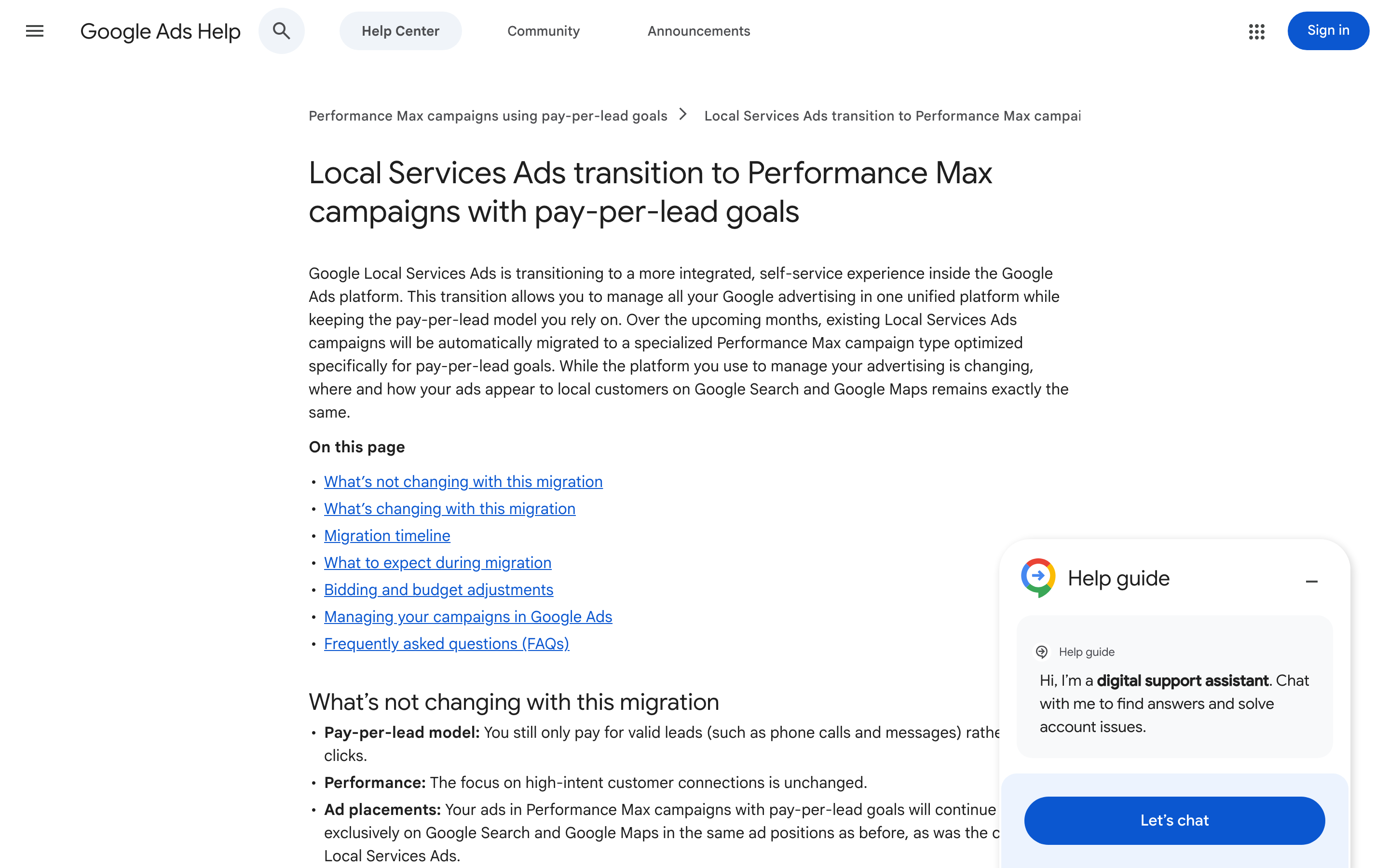
Four operational changes land at the same time. Weekly budgets convert to daily averages, calculated by dividing your historical weekly budget by seven. Manual bidding goes away and automatic CPA bidding becomes the only option. The Local Services Ads inbox becomes Lead Manager inside Google Ads. And Better Business Bureau callouts stop being supported, so Google asks for at least six structured callouts instead, things like business hours and payment methods.
Losing the baseline costs more than it looks
Here's why the export matters more than any of the feature changes. Three weeks after migration, someone asks whether $58 a lead is good. Without the old dashboard, you can't answer. You have a number and nothing to compare it against, and you'll have nothing for another twelve months while the new campaign builds its own history.
That's a bad position for a channel that bills per lead. Cost per lead in home services swings hard by season and by trade. A roofing account in November and a roofing account in April are two different businesses. If your only reference point is the six weeks since migration, every seasonal swing reads as a Performance Max problem, and you'll make changes the data doesn't support.
So pull the numbers while you still can. Weekly spend, leads, and cost per lead, split by service category, by month, going back 24 months if the account is that old. Put it in a sheet you own rather than a dashboard Google controls. Keep charged and disputed leads separate if you dispute often, because the dispute rate is part of your real cost per lead and nobody reconstructs it later.
One target CPA where you had several
The second change deserves attention before your notice arrives. Vertical-level targets are replaced by a campaign-level target CPA. If you run several services under one LSA account, they used to carry their own targets. Now they share one.
Picture a roofer who does full roof replacements and gutter cleaning. A replacement lead is worth several hundred dollars of margin. A gutter lead is worth a fraction of that. One shared target either overpays for gutter leads or starves the replacement leads that pay the bills. Neither shows up as a red number in the account. It shows up as a slow drift in lead mix that looks like a market change.
The fix is structural. Split high-value and low-value services into separate campaigns so each one carries a target that matches what a lead is worth to you. Work those numbers out before migration rather than after, because Google says performance can take up to two weeks to settle and you'll want a target that holds steady through it. Our walkthrough on how to set a target CPA before you launch a paid campaign covers the margin math for each service line.
What to do this week
Four things, in order:
- Export every LSA report you have. Campaign performance, monthly, by service category. Save the raw CSVs.
- Write down your current cost per lead per service, with the seasonality you've observed. This becomes your benchmark document.
- Calculate the margin per lead for each service you sell, and derive a target CPA from it.
- Plan the campaign split so high-value and low-value services stop sharing a target.
None of this needs access you don't already have, and all of it stops being possible once the dashboard closes. If your account runs Search alongside LSAs, this is also a good moment to check how much of your total lead volume each channel carries, which our post on how much budget you need to test a paid channel gets into.
The migration itself is fine. Consolidating two dashboards into one is a reasonable thing for Google to do, and the pay-per-lead model surviving intact is better news than most platform changes bring. The risk sits in the handover, in the week where your history is still downloadable and nobody has downloaded it.
If you want help turning your lead data into targets you can defend before the migration lands, that's the kind of work we do.


