How to read Search Console's AI performance report
Google's Search Console AI performance report is reaching accounts worldwide. It shows impressions in AI Overviews and AI Mode, no clicks. Here's how to read it.

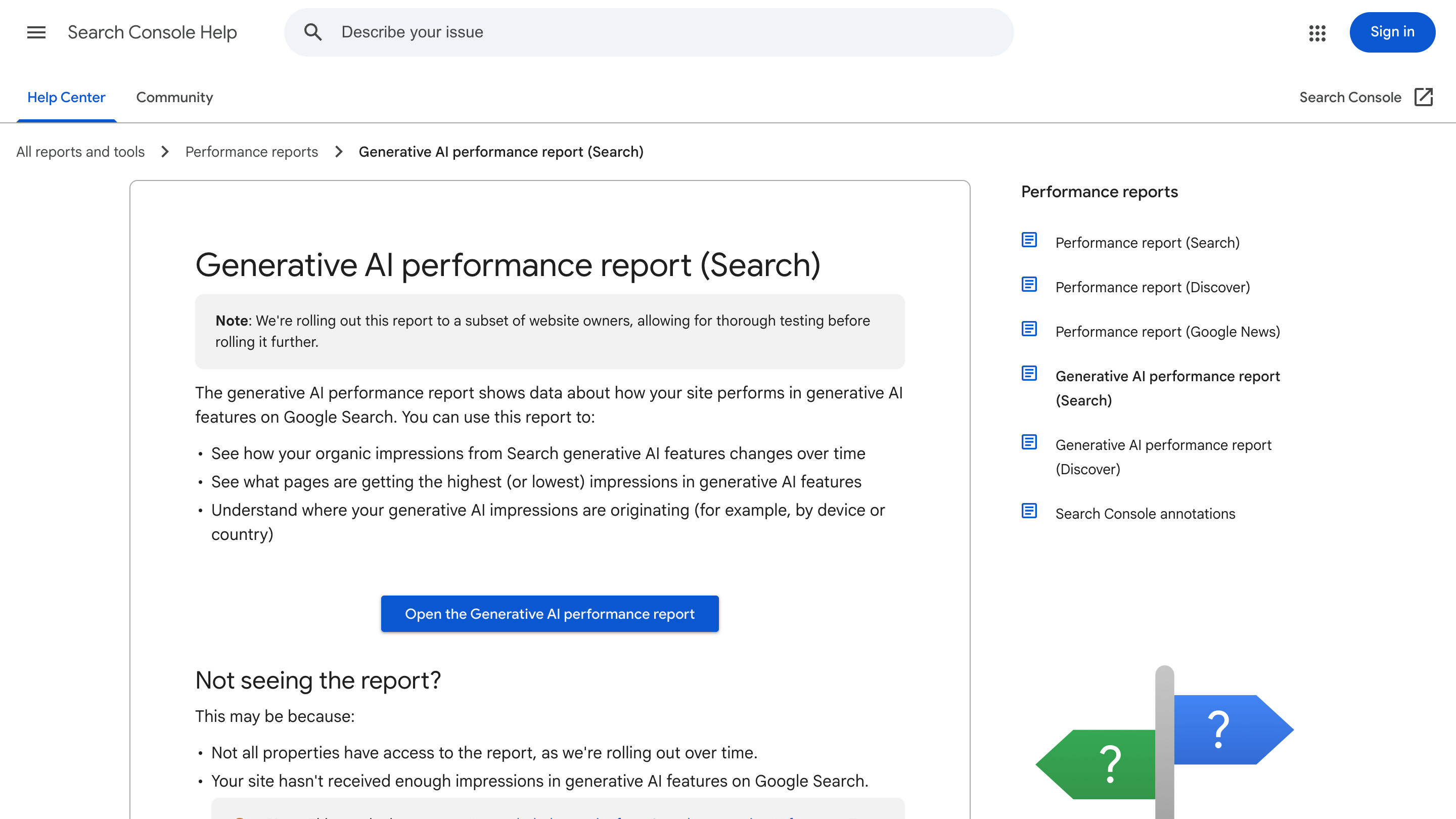
Google's Search Console AI performance report is now landing on accounts outside the UK, and it counts something you couldn't see before: how often your pages show up in AI Overviews and AI Mode. It reports impressions, not clicks. So read it as a visibility signal, and decide on purpose whether you want to be in those AI answers at all.
If you run a site, open Search Console this week and look. The report is arriving one batch of accounts at a time, so it may already be there.
What the Search Console AI performance report shows
Google launched the report on June 3, 2026, UK-first, under a binding order from the UK competition regulator. Through July it started rolling out wider. Sites in the United States, India, and Switzerland have seen it appear. John Mueller described the pace plainly: "We're just rolling these out incrementally to sites, and reviewing the feedback along the way." So if it's not on your account yet, it's coming.
The data is narrow on purpose. Per Google Search Central, the report tracks impressions in AI features, the pages that appeared, plus countries, devices, and dates, with granularity from hourly to monthly. That's it. There's no click column.
Impressions without clicks change how you read it
Here's the part most coverage skips. An impression in this report means one of your URLs was pulled into an AI answer or shown as a supporting link. It doesn't mean anyone visited. So don't line these numbers up against the clicks in your normal Performance report and expect them to reconcile. They measure two different things.
Treat the AI report as a citation and visibility signal. The pages that keep appearing are the ones Google trusts to help answer a question. Look at which URLs those are. Often they're your clearest, most direct explainer pages, the ones that answer a query in the first two sentences. That tells you what kind of content gets picked up, and it's a cue to write more of it. If you already track your funnel well, this slots in as one more input; if you don't, start with analytics you'll actually use to make decisions and add the AI report on top.
The include or exclude toggle is a real decision
Alongside the report, Google shipped a control. Under Settings, in Search generative AI, each property can be set to Include, Exclude, or Inherit from parent. Include is the default for every property.
Read the fine print before you touch it. Google says this is a grounding control: it governs whether your content can appear in AI Overviews, AI Mode, and AI Overviews in Discover. It will not be used as a ranking signal for regular search results, and it doesn't change how Google crawls, indexes, or ranks your pages. Excluding does one thing: it takes you out of those AI surfaces. Once you flip it, it takes a few days to apply.
For most sites, leave it on Include. Excluding trades away visibility you can now measure for no gain in ranking. The case for excluding is narrow: content you'd rather people reach by visiting the page, like a paywall or a lead magnet where the answer is the product. If that's not you, staying in is the sensible default.
What to do this week
Four steps, none of them heavy. First, open Search Console and check whether the AI performance report is live on your property. Second, if it is, note which pages show up and in which countries, and write down anything that surprises you. Third, leave the generative AI control on Include unless you have a specific reason not to. Fourth, keep the traffic picture separate: pair the impressions here with your standard Performance report, since AI visibility and real visits move differently. If your search traffic has gone flat, that's a different problem, and worth diagnosing on its own.
The report is thin today. Impressions only, no clicks, still rolling out. But it's the first time Google has told you, in your own account, that your pages are feeding AI answers. That's worth watching from the start.
If you want help turning the AI performance report into a plan for what to publish next, that's the kind of work we do at vibhe.


